
Find a feeling.
Make it move.
Photos, prompts and a collection of possibilities.
Meet your next creative moment with Sabaka.
Start with a photo.
See where it takes you.
Make a little space
for something new.
A mood for
every idea.
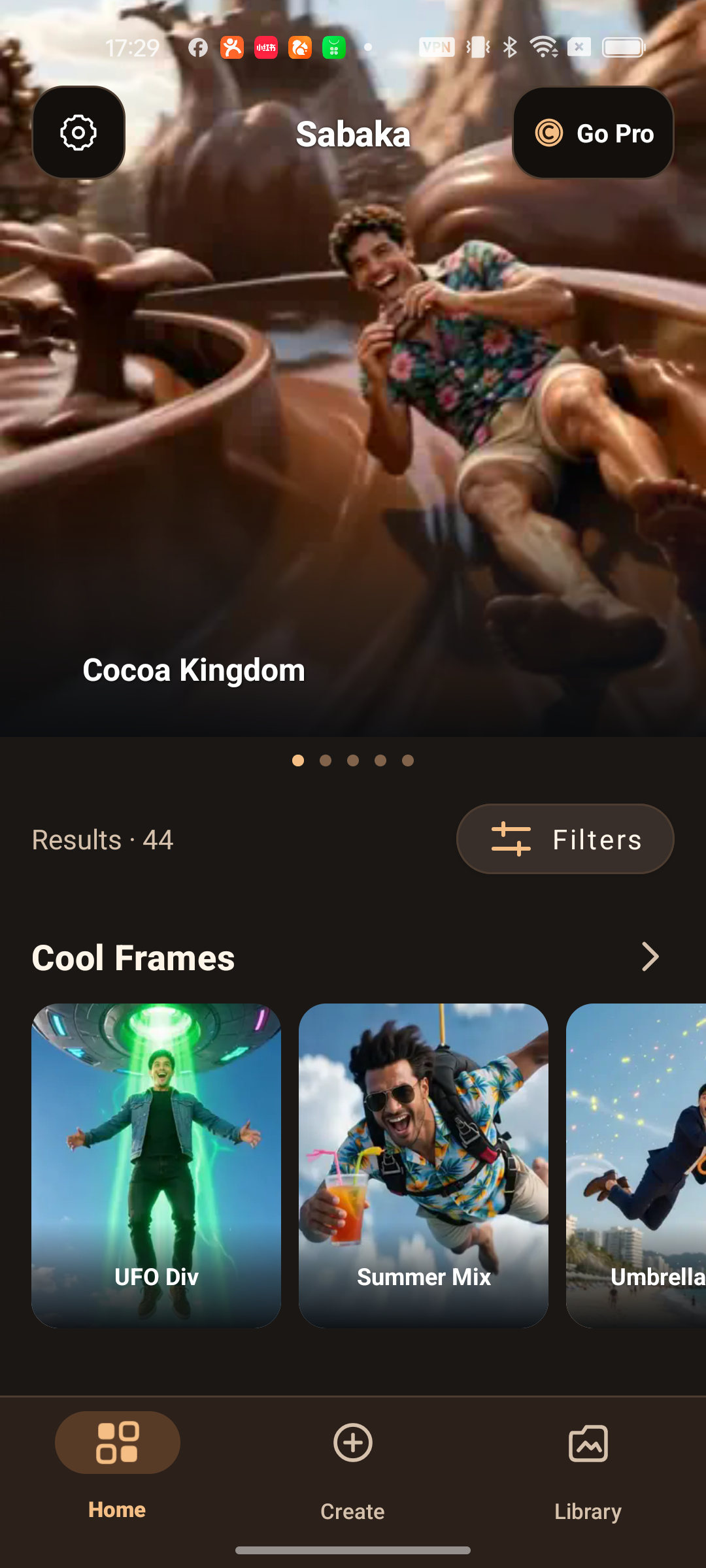
Explore the collection at your own pace. Filter by category, tag, saved favorites or two-photo templates to find a place to begin.
Your photos.
A different story.
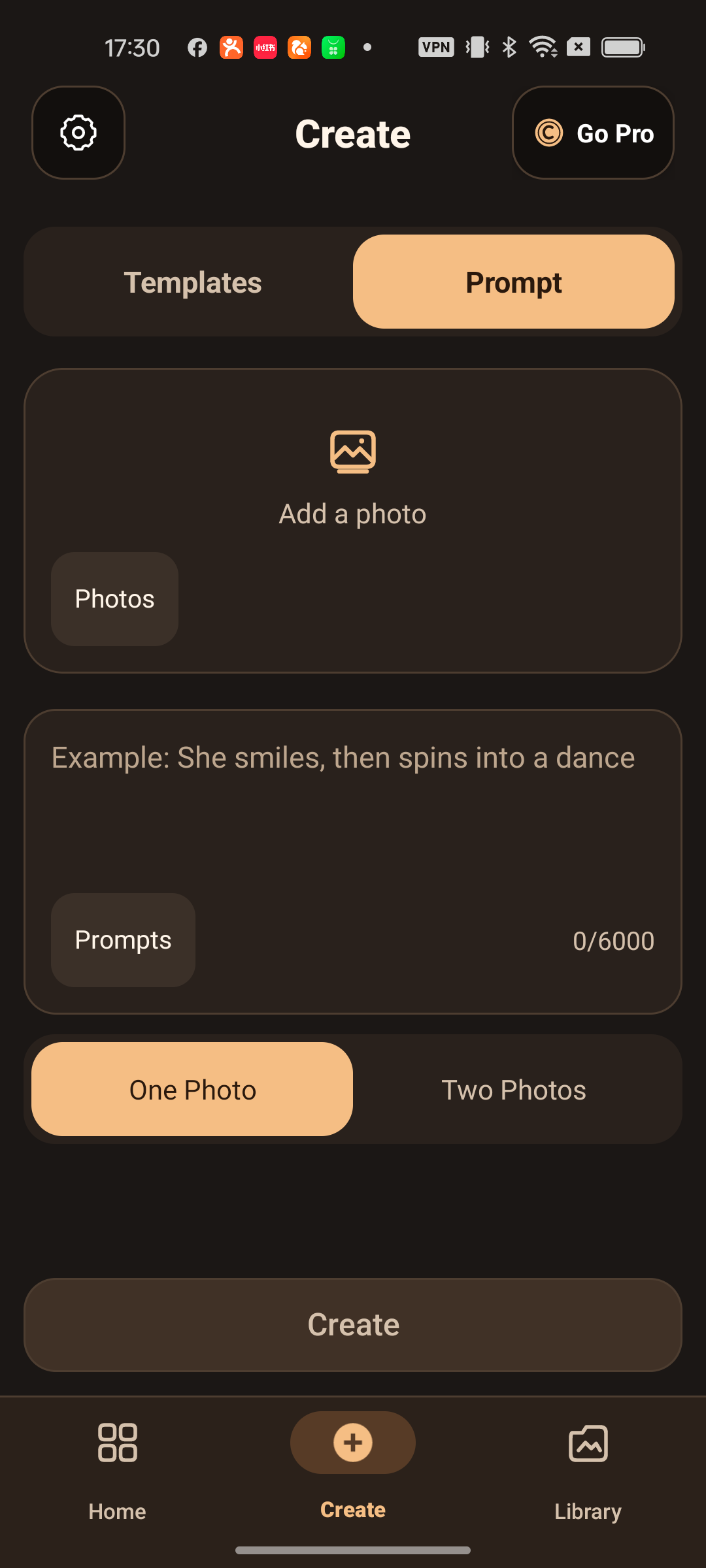
Begin with a template or follow your own prompt. Add your photos, adjust the crop and bring a new idea into motion.
See how it works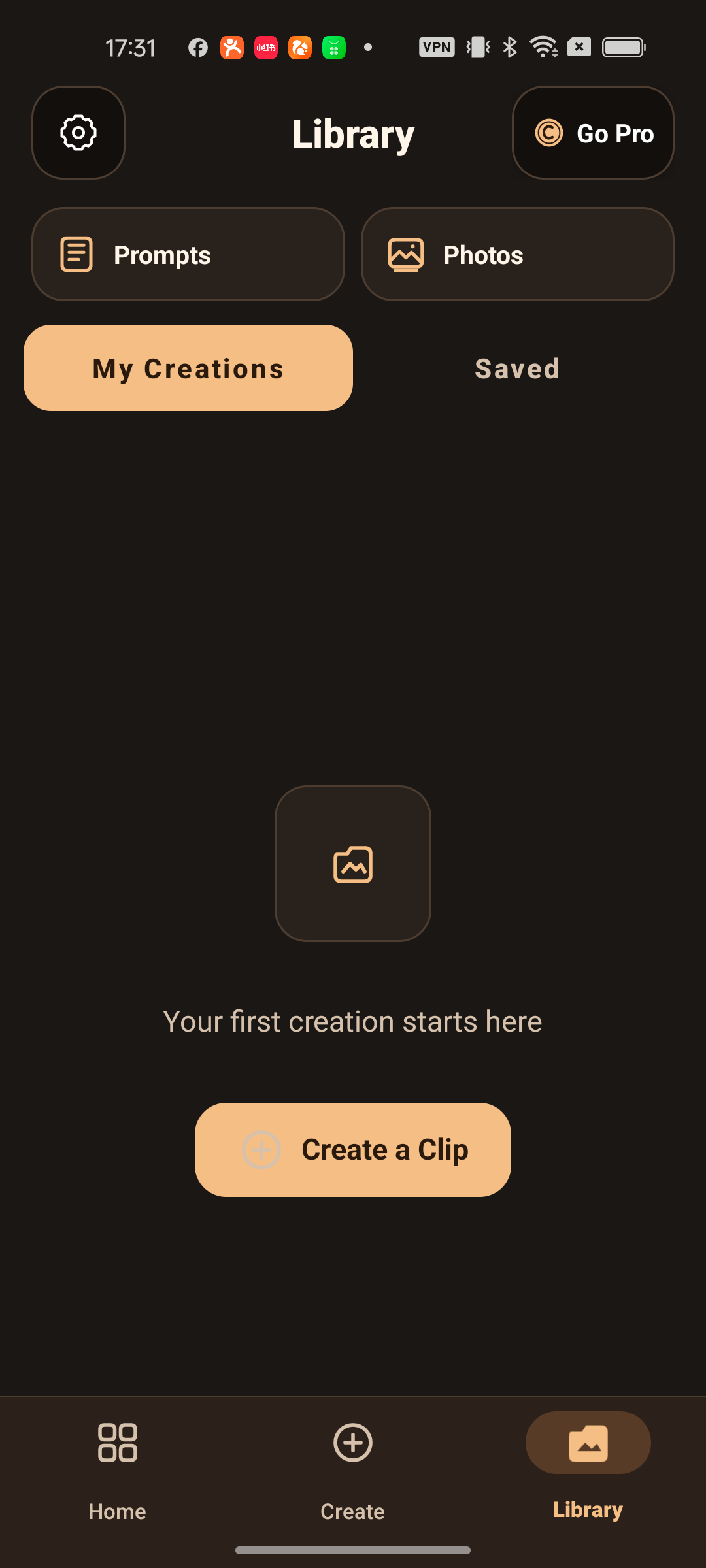
For now.
For next time.
Give your creations a home. Save templates for later, revisit your photo and prompt history, and pick up a thought where you left it.
Actual Sabaka Android screens. Catalog examples change; AI results are not guaranteed.
Pick. Personalize. Play it back.
- 1
Find your spark
Browse a template or start with a prompt.
- 2
Add your photos
Choose your inputs and adjust the crop.
- 3
Make it move
Generate, review and return to your creations.
Good to know.
How do I find a template I like?
Browse the home collection, or open Filters to narrow the view by category, tag, favorites or two-photo templates.
Can I start with my own idea?
Yes. Open Create, choose your photo inputs and add a prompt. You can also start from a template and make it your own.
Can I keep a template for later?
Save a template to your favorites and find it again in Library. Your creations and saved templates have separate views.
Are the pictures here real app screens?
Yes. The phone views show Sabaka on Android. The templates shown are examples from the current catalog; availability can change. They are not a promise of a particular generated result.
How can I access Sabaka?
Email us to ask about Android availability. Video generation requires an internet connection. This website does not sell subscriptions or credits.
Something on your mind?
Questions, app availability or a little help along the way.